v0.0.1 — Now Available

Peel back
your code's
history.

Browse every commit that touched a file, preview its contents at any point in time, and restore it with a single click — all without leaving VS Code.
$ ext install dalton-vector.git-peel click to copy
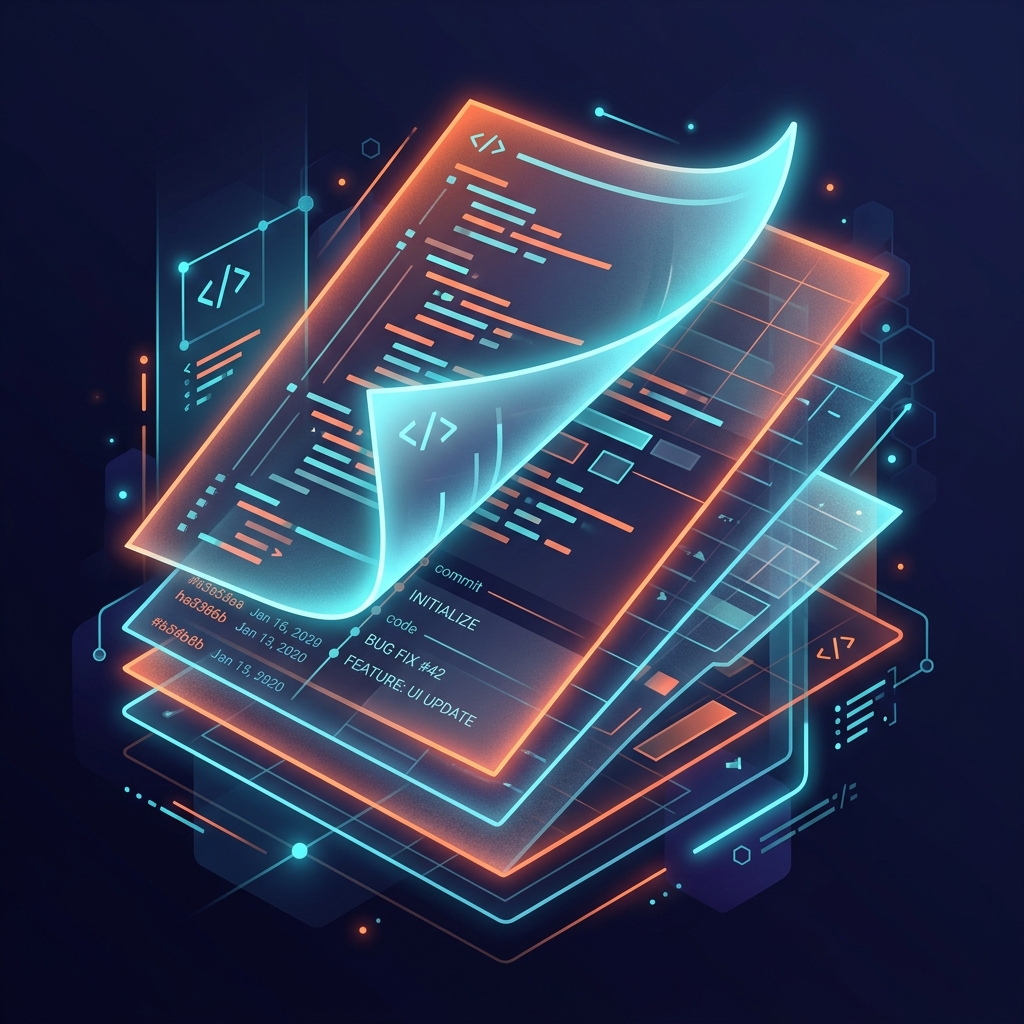
Git Peel — peeling back layers of code history

Everything you need to
navigate your file's past.

Git Peel keeps it simple — no cluttered UI, no complex setup. Just fast, intuitive git history for any file you're working on.

Quick Commit History

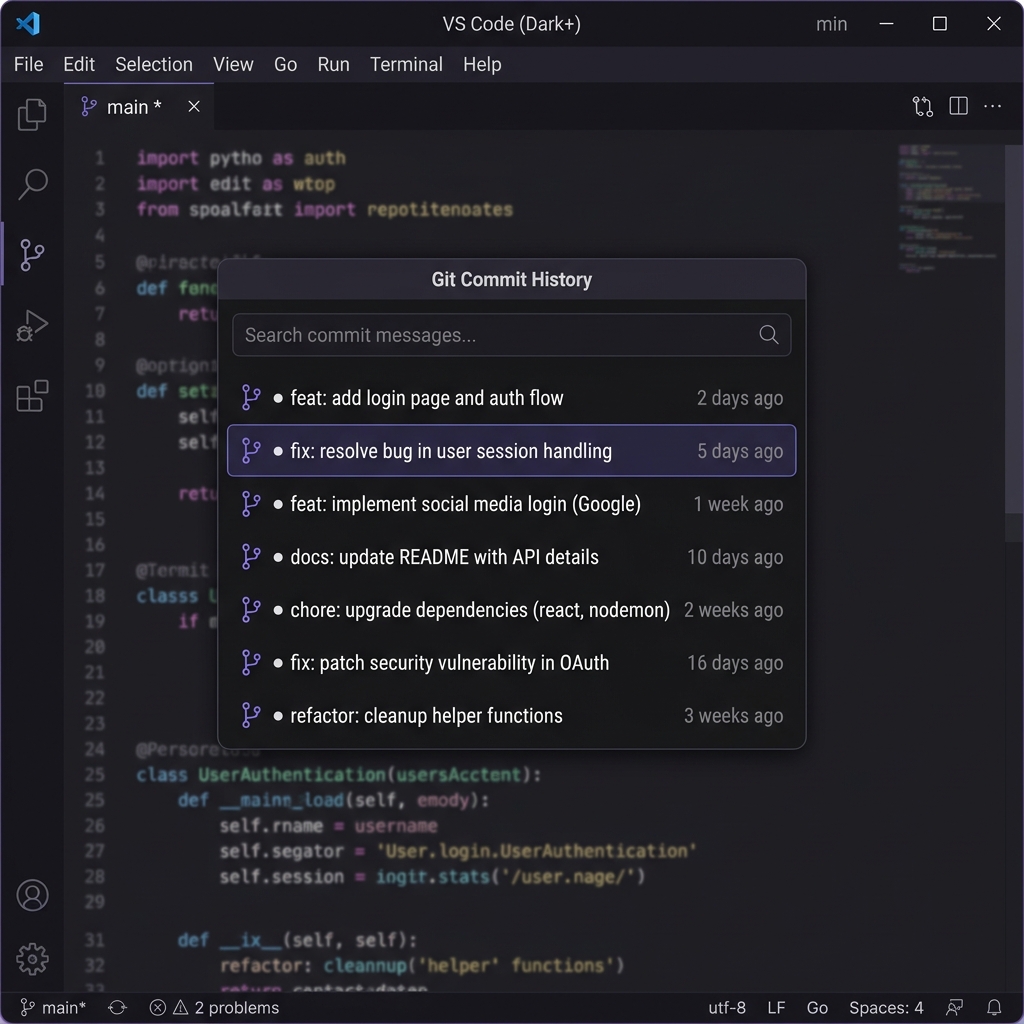
Instantly browse all commits that affected the currently open file, displayed in a clean quick-pick interface.

Live Preview

Preview any file at any commit point without modifying your workspace. See exactly what changed, in context.

One-Click Restore

Found the version you need? Restore your file to any previous commit state with a single click and confirmation.

Per-File Focused

No repo-level noise. Git Peel shows only the commits relevant to the file you're actively editing.

Relative Timestamps

Commit dates displayed as human-friendly relative times — "2 hours ago", "3 days ago" — for quick scanning.

Safe Restores

Every restore requires explicit confirmation. Your current work is always one "undo" away from being back.

Four steps. Zero complexity.

Get up and running in seconds — no configuration needed.

01

Open a File

Open any file that's tracked in your git repository.

02

Run Git Peel

Open the command palette and search for "Git Peel" or "Show Git History".

03

Browse History

Scroll through all commits that modified the file. Select one to preview its content.

04

Restore

Found what you need? Hit restore, confirm, and your file is reverted to that commit.

Seamless. Native. Fast.

Git Peel uses VS Code's native quick-pick UI, so it feels right at home in your editor.

Git Peel in action — commit history quick-pick in VS Code

Lightweight. No dependencies.

Git Peel relies only on your local git installation — nothing else to configure or install.

0
External Dependencies
<200
Lines of Code
MIT
Open Source License

Ready to peel back time?

Install Git Peel and start exploring your file history in seconds. Free, open-source, and lightweight.